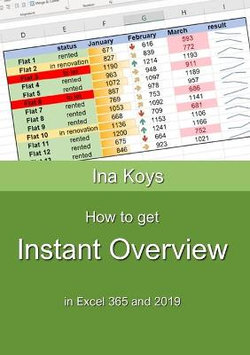
Often, Excel is used to evaluate given data. Which values are critical? Can I see at a glance what the development was like? Can I highlight a whole row if one column has important content? Or ask for the content of two cells, simultaneously? How do I get overview in a thick workbook? How do I get a clear and telling chart? Is there anything as clear, but not as large as a diagram? Can I ask Excel in natural language without any formula?
All these questions are answered here.
- ISBN:
- 9783947536696
- 9783947536696
-
Category:
- Spreadsheet software
- Format:
- Paperback
- Publication Date:
-
20-02-2021
- Publisher:
- Computertrainerin.de
- Pages:
- 88
- Dimensions (mm):
- 210x148x5mm
- Weight:
- 0.11kg
Click 'Notify Me' to get an email alert when this item becomes available
Hi There,
Did you know that you can save books into your library to create gift lists, reading lists, etc?
You can also mark books that you're reading, or want to read.
Great!
Click on Save to My Library / Lists
Select the List you'd like to categorise as, or add your own
Here you can mark if you have read this book, reading it or want to read
Awesome! You added your first item into your Library
Great! The fun begins.
Click on My Library / My Lists and I will take you there
Reviews
Be the first to review How to get Instant Overview.





Share This Book: